
How To Edit An Existing Service Professional Profile
Published on
March 13, 2020 at 3:28:02 AM PDT March 13, 2020 at 3:28:02 AM PDTth, March 13, 2020 at 3:28:02 AM PDT
To edit an existing Service Professional profile, please follow the steps below:
1. Select from the Side Bar the Service Professional button Â

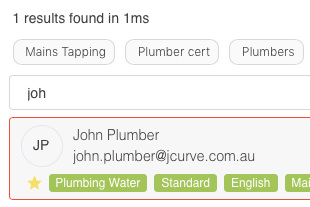
2. Use the Search Bar to find the existing Service Professional Â

3. Select the existing Service Professional
4. Select the three dots icon Â
 Â next to the Service Professional name and click the Edit button
 next to the Service Professional name and click the Edit button
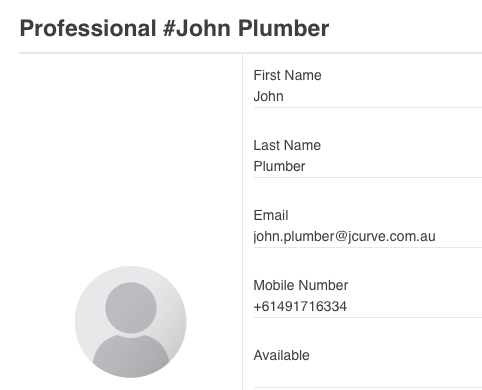
5. Edit the Resource Form with all relevant information
6. Click the Submit buttonÂ

Â